Hi guys today iam present a intro like premier pro generated. Guys here iam sharing bounce boom effect logo intro using kine master. So first it’s need kinemaster apk to make it. And Some files like your page logo with png format and Background video etc..
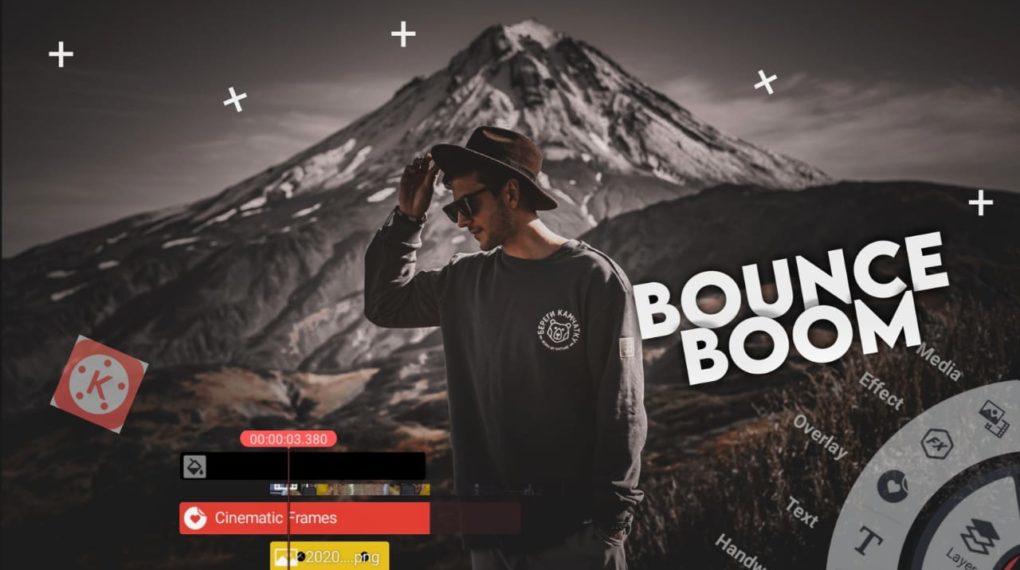
How to make Bounce Boom Effect
Open kine master Add a background image it extend to 6sec. Add a background video use color option to adjust the color brightness to less. After duplicate the video cut the left side of duplicate video and adjust the color into current video..After add your channel logo into the video. Add animation in to the video and logo (pop) Animation..
Here first we add a image as background . And then add lyrics. It get from Google.
Add lyrics animation effect using description link. follow the video you got an idea about it. After Apply effects like this. And next we adding the moving particles effects . So add the particles effect through procedural section . Adjust the settings of particles like the video. And last step is beat bumb effect it get to the life on the image . Like cinematic….