Inshot application is the most number one video editing application for android.
It including more frames for other platforms.Easy to use and easy steps to edit. Exporting time is very short.
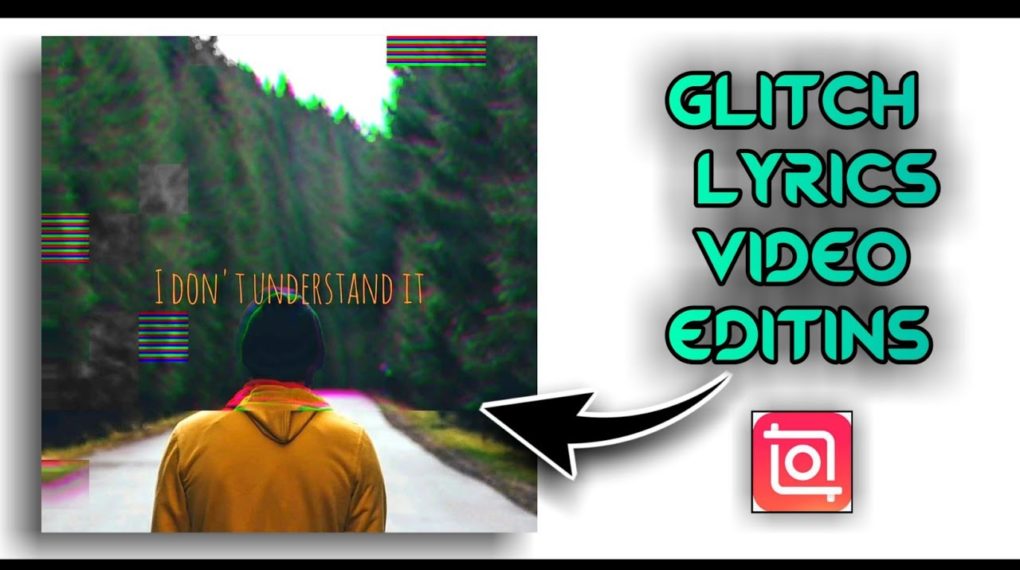
Hi guys in this video about how to create glitch effect lyrics video in inshot application.so first Download and install install inshot application from below link after all open the application. And follow these steps.
Then open inshot application and add a background image or video if you want image video then choose image file .the image file maximum duration is 5 second You can increase upto more than minutes.How you can increase the image duration choose this step.click on the photo and copy and paste. After add the glitch effect to both images. And add lyrics into video based on background music And add animation effects on that lyrics. Finally save upto high quality
If you have any doubt watch the video Till end.